
Can't View Bundle Page
If your bundle page appears blank or broken when you try to view it, here are the most common causes.
Viewing in Shopify Customizer
Bundle builder pages are served through Shopify’s app proxy system and cannot be viewed via the Shopify theme customizer. If you’re trying to preview your bundle page through the customizer, it won’t render correctly.
To view your bundle page:
- On Bundable’s Home, click the View bundle page (eye) button next to the bundle
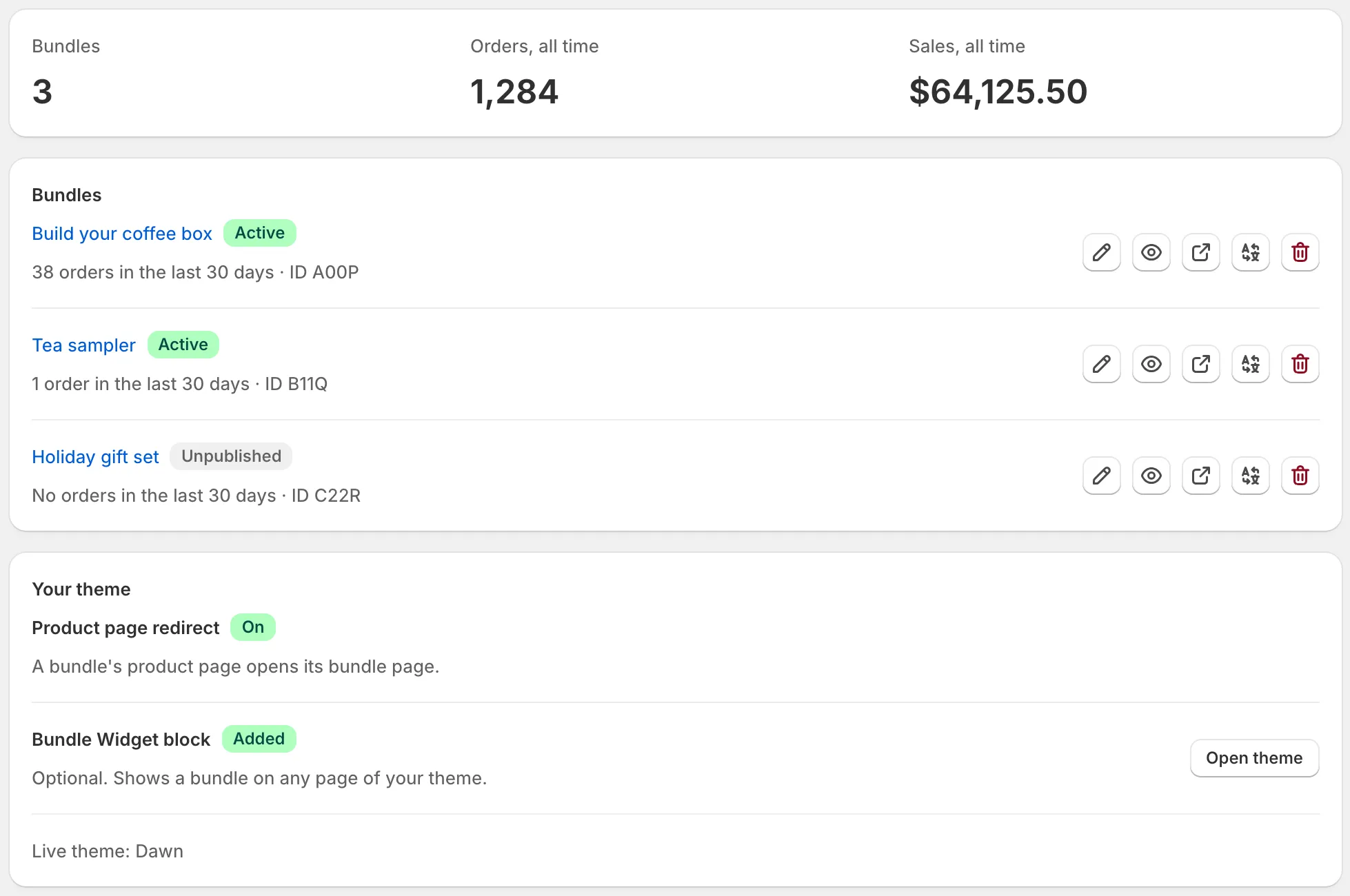
- The bundle page opens in a new browser tab
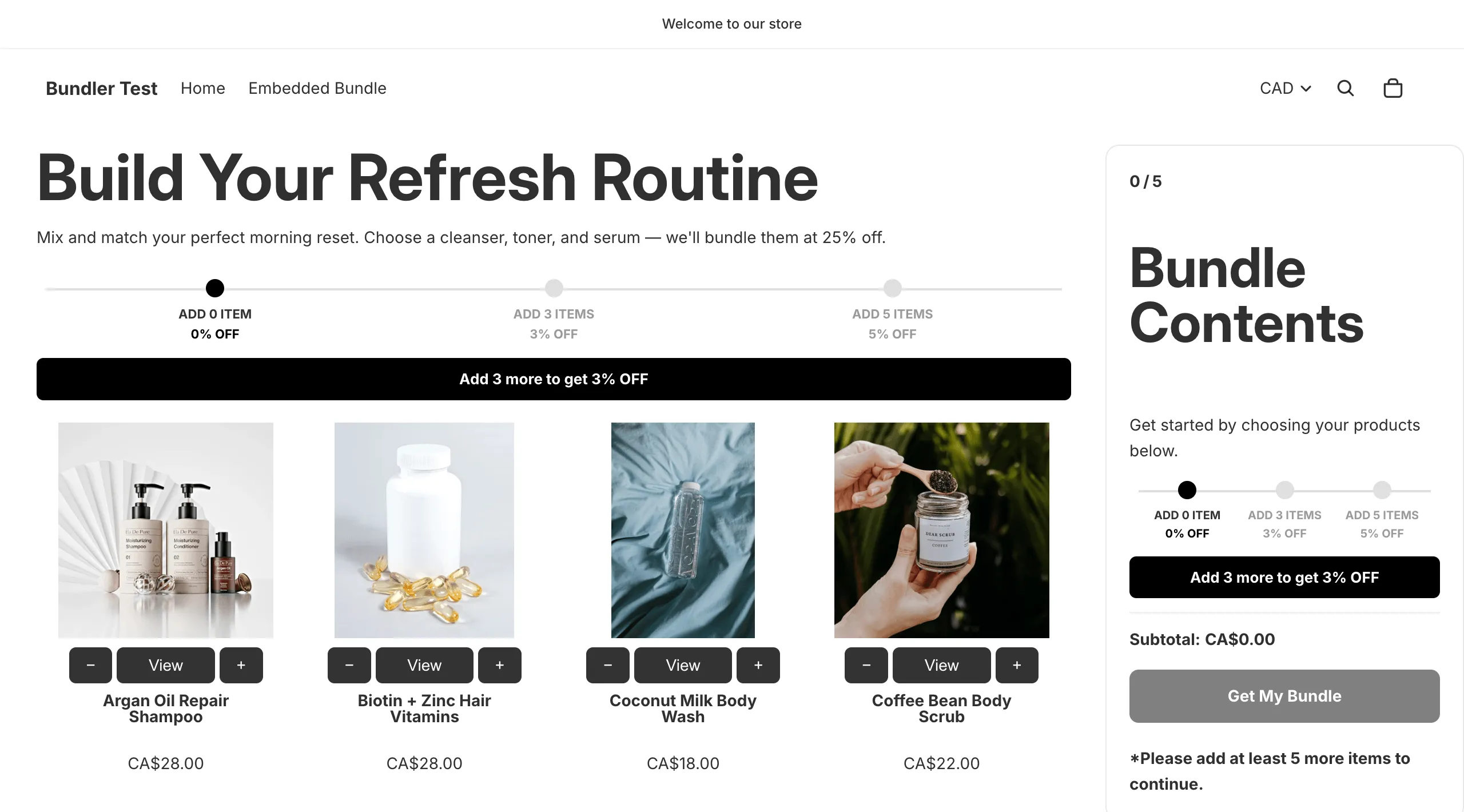
The URL format is: https://your-store.myshopify.com/tools/bundle-builder/[hash-id]/new
Store Password Protection
If your store is password-protected (common for stores still in development), make sure you’re logged in to your store first before visiting the bundle URL.
Bundle Not Saved
Make sure your bundle has been saved and is in an active (non-draft) state. A bundle that wasn’t properly saved may not render on the storefront.
If none of the above resolves the issue, contact us at support@soviapps.com with your .myshopify.com URL.